Codecs in Digital Cinematography (2025 Update)
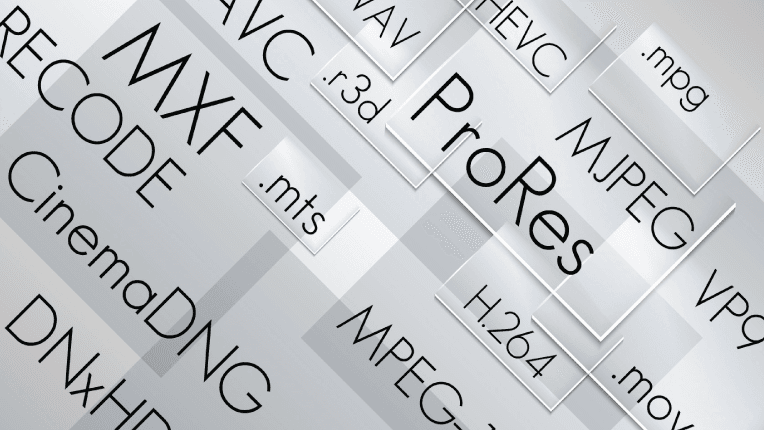
In digital cinematography, codecs sit at the centre of modern workflows. A codec (compressor–decompressor) determines how video data is encoded, stored, and decoded, balancing image quality, file size, and performance in post-production. Choosing the right codec is no longer just a technical decision—it directly impacts creative flexibility, on-set efficiency, and the final look of a project.
Understanding Codecs in Filmmaking
What is a codec? A codec is an algorithm that compresses raw sensor data into a manageable file and then decompresses it for editing, playback, or finishing. Different codecs serve different purposes—on-camera recording, post-production editing, VFX, or final delivery.
Why codecs matter:
- They determine how far an image can be pushed in colour grading.
- They influence storage requirements on set and in post.
- They affect playback performance in NLEs and VFX applications.
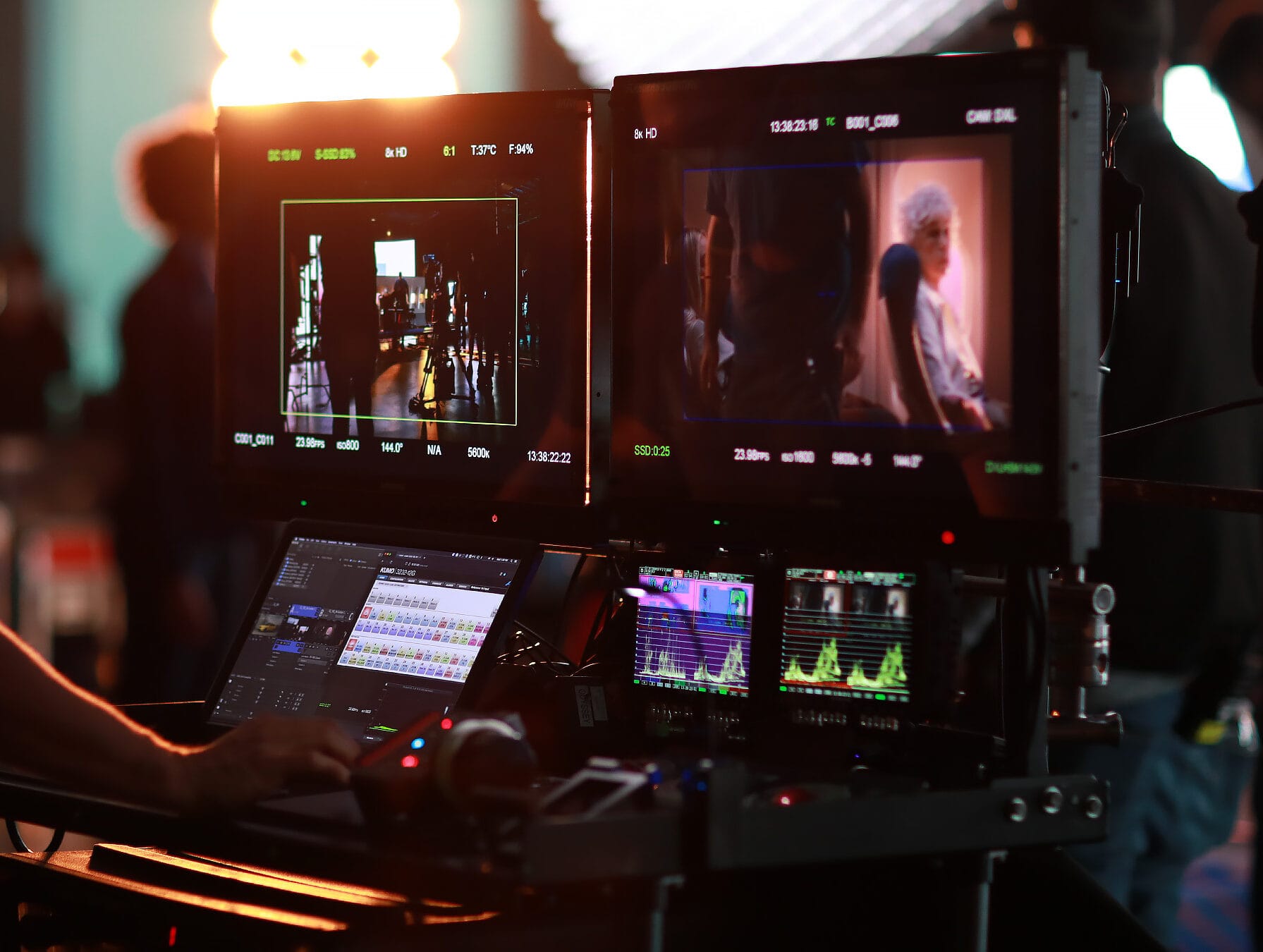
- They shape on-set data workflows, backup strategies, and DIT decisions.
Key Codecs in Digital Cinematography
H.264 / AVC
- Use: Monitoring, proxies, web delivery, social content.
- Pros: Highly efficient, small file sizes, universally supported.
- Cons: Long-GOP compression is less ideal for heavy grading.
H.265 / HEVC
- Use: 4K/8K delivery, HDR streaming, some internal camera recording.
- Pros: More efficient than H.264; excellent for high-resolution distribution.
- Cons: Requires more processing power to encode/decode.
AV1 (Emerging)
- Use: Increasingly adopted for streaming platforms in 2025.
- Pros: Very efficient and royalty-free.
- Cons: Not yet common as an acquisition codec.
Apple ProRes
- Use: On-camera recording, editing, intermediates, finishing.
- Pros: Intra-frame, smooth editing performance, up to 8K support.
- Cons: Larger file sizes; ecosystem still optimised for Apple.
Avid DNxHD / DNxHR
- Use: Avid-centric workflows, broadcast, intermediates.
- Pros: Designed for efficient editing; high quality.
- Cons: Less common as an internal camera codec.
REDCODE RAW
- Use: Native to RED Digital Cinema cameras.
- Pros: Flexible compressed RAW with adjustable compression.
- Cons: Best performance within RED-supported pipelines.
ARRIRAW
- Use: Native RAW format for ARRI ALEXA cameras.
- Pros: Maximum dynamic range and grading latitude.
- Cons: Very large file sizes and storage requirements.
Blackmagic RAW (BRAW)
- Use: Blackmagic cameras and select third-party models.
- Pros: Efficient compressed RAW; excellent Resolve performance.
- Cons: Limited support outside DaVinci Resolve.
ProRes RAW
- Use: Internal on some cameras, external via Atomos recorders.
- Pros: RAW flexibility with ProRes-like workflow.
- Cons: Broader NLE support still growing.
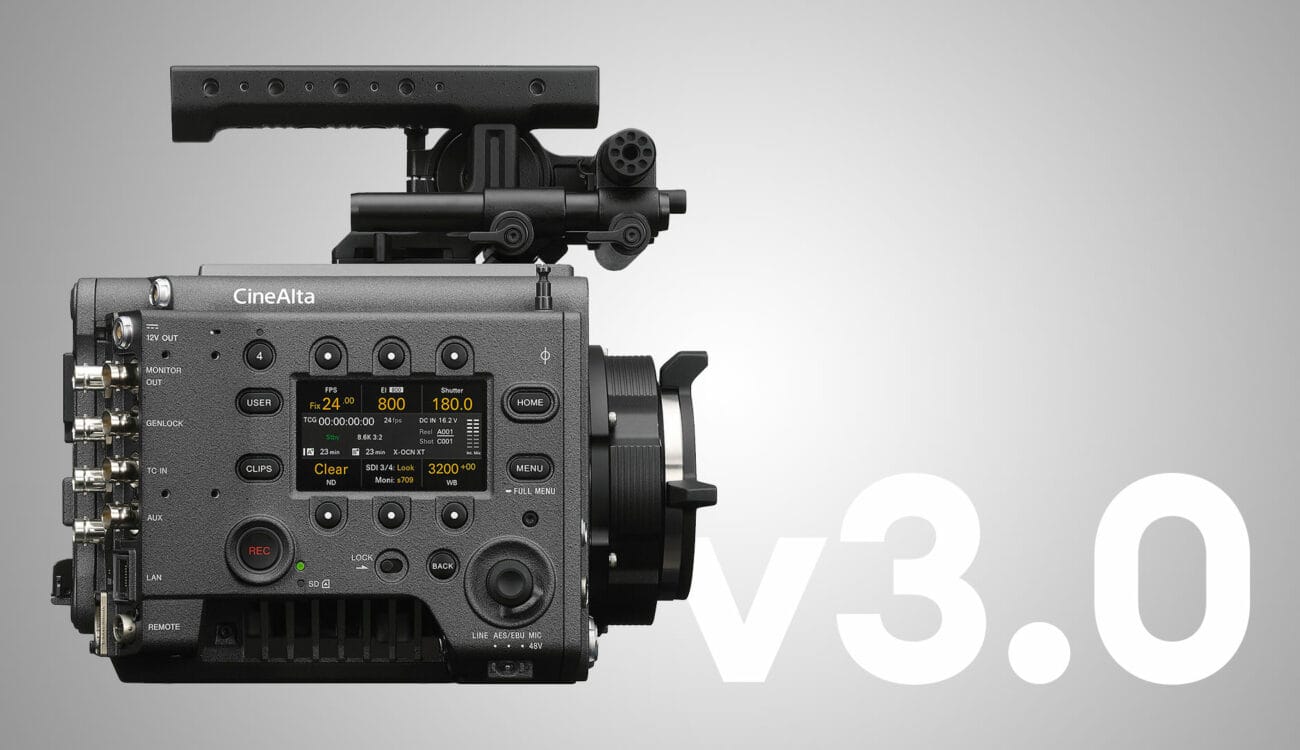
Sony XAVC / X-OCN
- XAVC: Popular across Sony’s camera range; strong 4K support.
- X-OCN: High-end Sony RAW-like codec with lower data rates.
How to Choose the Right Codec
- Image Quality & Bit Depth: Heavy grading or HDR requires RAW or high-bitrate codecs.
- Resolution: 4K, 6K, and 8K workflows need robust codec support.
- Storage & Bandwidth: RAW demands fast and reliable on-set media handling.
- Post-Production Environment: Choose based on your NLE and finishing tools.
- Distribution: H.264, H.265, and increasingly AV1 for web and streaming platforms.
Trends in Codecs (2025)
- AI-assisted compression improving efficiency and quality.
- HDR-first workflows pushing demand for high-bit-depth codecs.
- Cloud and remote editing making proxy-first workflows standard.
- Sustainability driving the push for efficient compression and smaller data footprints.
Conclusion
Codecs remain a foundational part of digital cinematography. Whether shooting lightweight H.265, robust ProRes, or high-end RAW formats like ARRIRAW or X-OCN, each codec brings its own strengths and workflow implications. In 2025, the right codec is the one that aligns with your project’s image goals, post-production needs, and practical constraints. Understanding these choices ensures smoother workflows and the highest possible image quality.